
cc-switch
marginalA desktop GUI to launch and manage multiple AI coding CLIs — convenient but not a capability multiplier for a capable base agent.

What it is
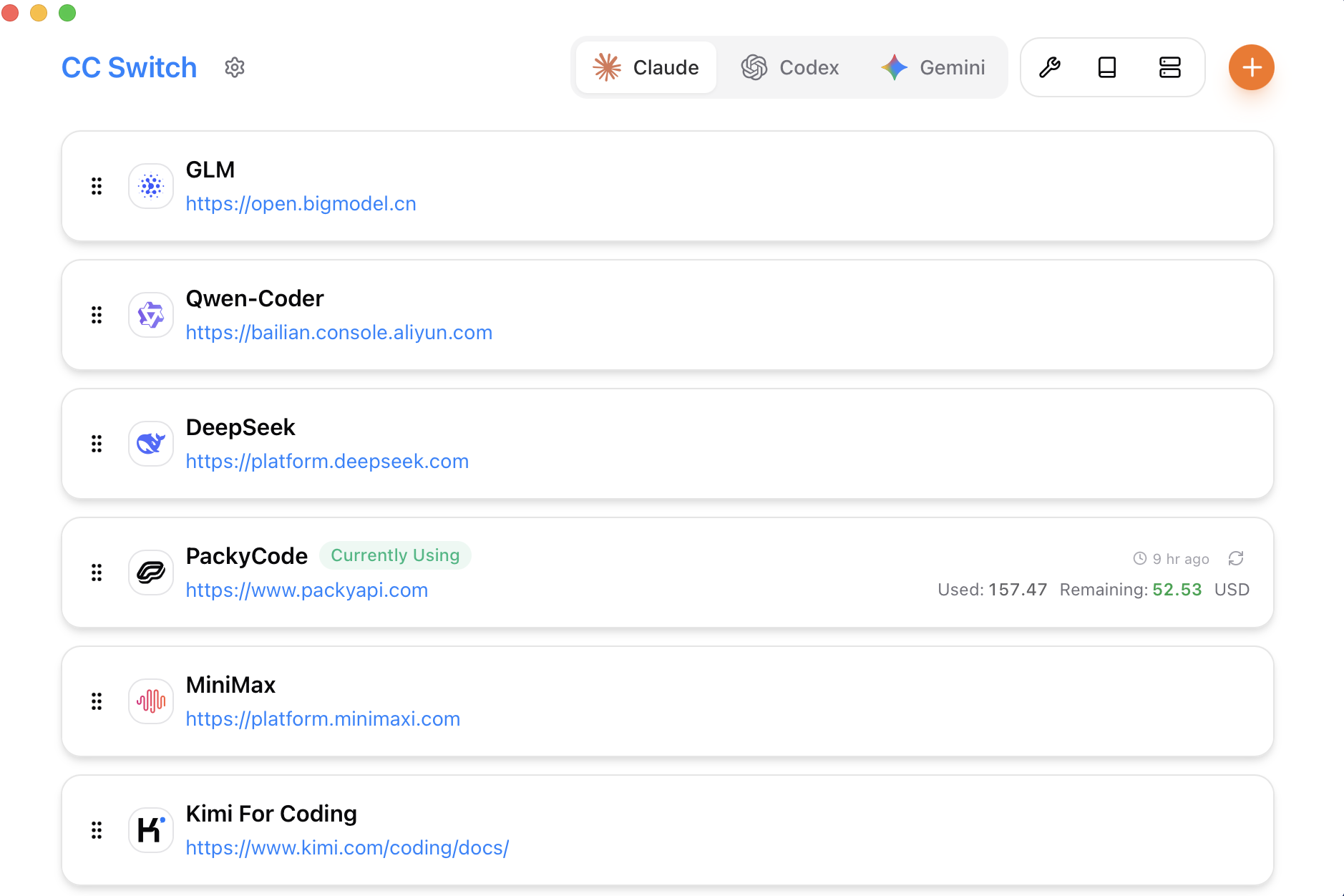
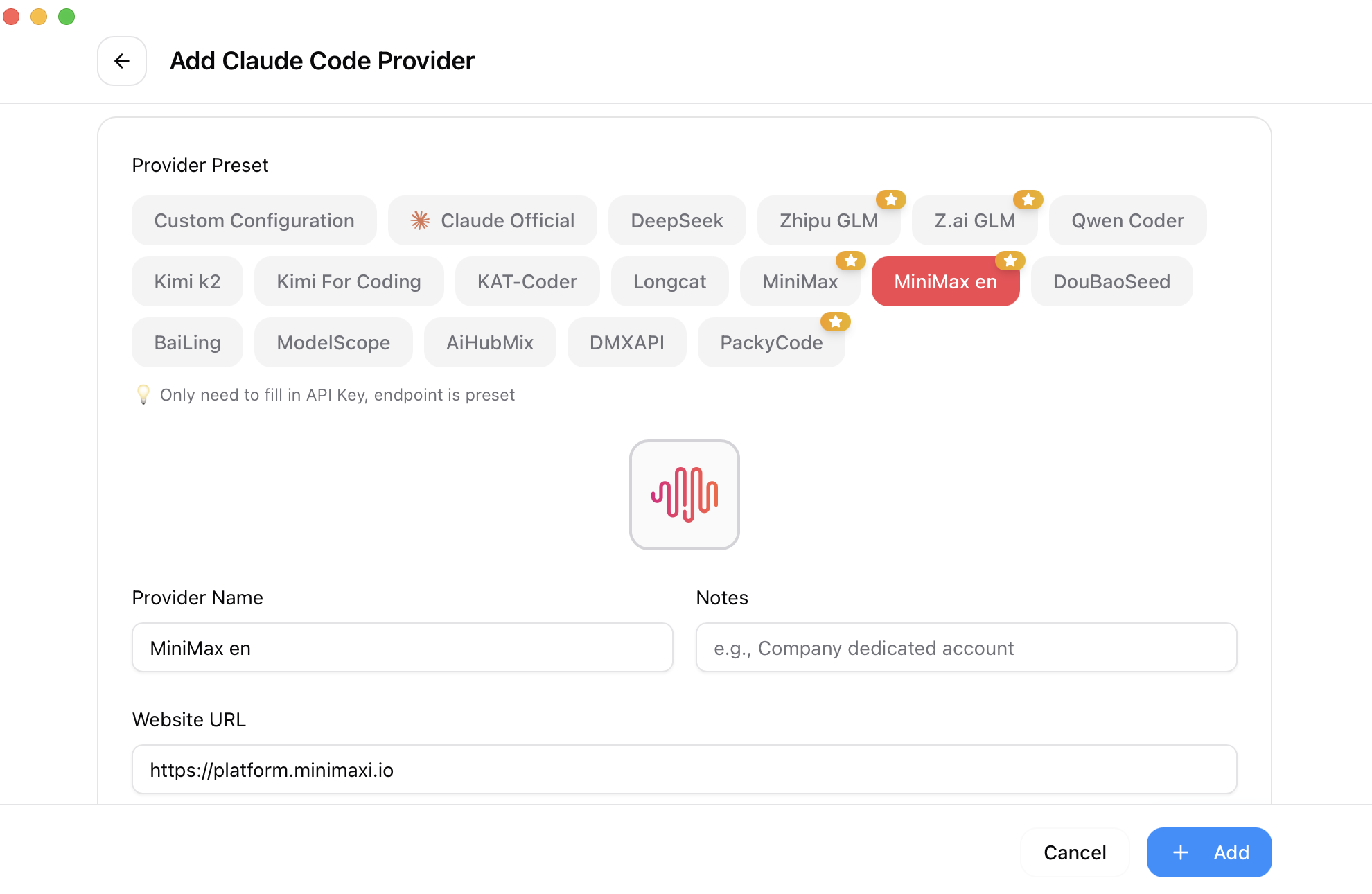
A cross-platform desktop application that provides a graphical launcher and management interface for multiple AI CLI coding assistants (Claude Code, Codex, Gemini CLI, OpenCode, etc.). It also functions as a hub to manage API keys from sponsored relay providers and switch between them.
How it differs from vanilla Claude
A vanilla base agent (Claude) is a single AI model accessed via CLI or API. CC Switch does not improve the agent's reasoning, coding ability, or autonomy — it merely lets a user toggle between different agents and providers via a GUI instead of using terminal commands or shell scripts. The base agent does not need this to be effective.
Skill, plugin, or workflow shift?
standalone-app: it is a standalone desktop application built with Tauri. Users install it separately from any AI CLI. It does not integrate as a plugin, MCP server, or extension — the integration is 'run this app, then click buttons to launch other CLIs.'
Devil's advocate — is this just complexity?
A vanilla capable base agent (Claude) is a smarter-than-average developer. It can already be invoked with a simple shell alias or script. CC Switch offers a GUI wrapper to switch between agents — something a one-liner 'select=' prompt or a simple fzf menu handles with zero install. The app adds dozens of sponsor banners, a 115k-star inflated repo (clearly boosted by the sponsor network), and a Tauri bundle that consumes >100 MB of disk for what a 2-line bash script does. The complexity is entirely for the sake of having a GUI — it brings no new AI capability. An AI engineer will not gain any edge; a vibe coder may appreciate the pretty window but gains zero additional code quality or efficiency compared to just using Claude Code from a terminal.
What would make it better
If CC Switch actually orchestrated agents together — e.g., run Claude Code first, pipe its output into Codex for a second opinion, or dynamically route subtasks to the best model — it would be a genuine capability multiplier. Currently it is just a tabbed launcher. Another improvement: expose a scriptable API (JSON-RPC, CLI flags, or REST) so developers can automate agent switching in CI/CD pipelines. Without that, it remains a consumer-grade tweak.
The honest case for it
For a team member who is uncomfortable with terminals and wants a single desktop app to manage multiple AI coding assistants and API provider accounts, CC Switch provides a straightforward, unified UI. It lowers the friction of switching between Claude Code for reasoning, Codex for agentic code generation, and Gemini CLI for other tasks — without needing to remember shell commands or manually edit config files. If you value a point-and-click interface over shell fluency and have many API keys from relay providers to juggle, this reduces cognitive overhead.
Who it's for
Audience fit
Depth and leverage for a technical engineer who wants to understand it and level up their workflow — not just offload work.
Value for someone who wants a more capable tool without the technical depth — accessible, does-it-for-you.
Primarily a GUI launcher/manager that simplifies switching between AI CLI tools and managing API providers — valuable for users who want one install to rule them all, but adds minimal leverage for engineers who already know their terminal and provider APIs.